Primary entry point
Payments, invoices, and bank matching with clear matches, exceptions, and a reviewable output
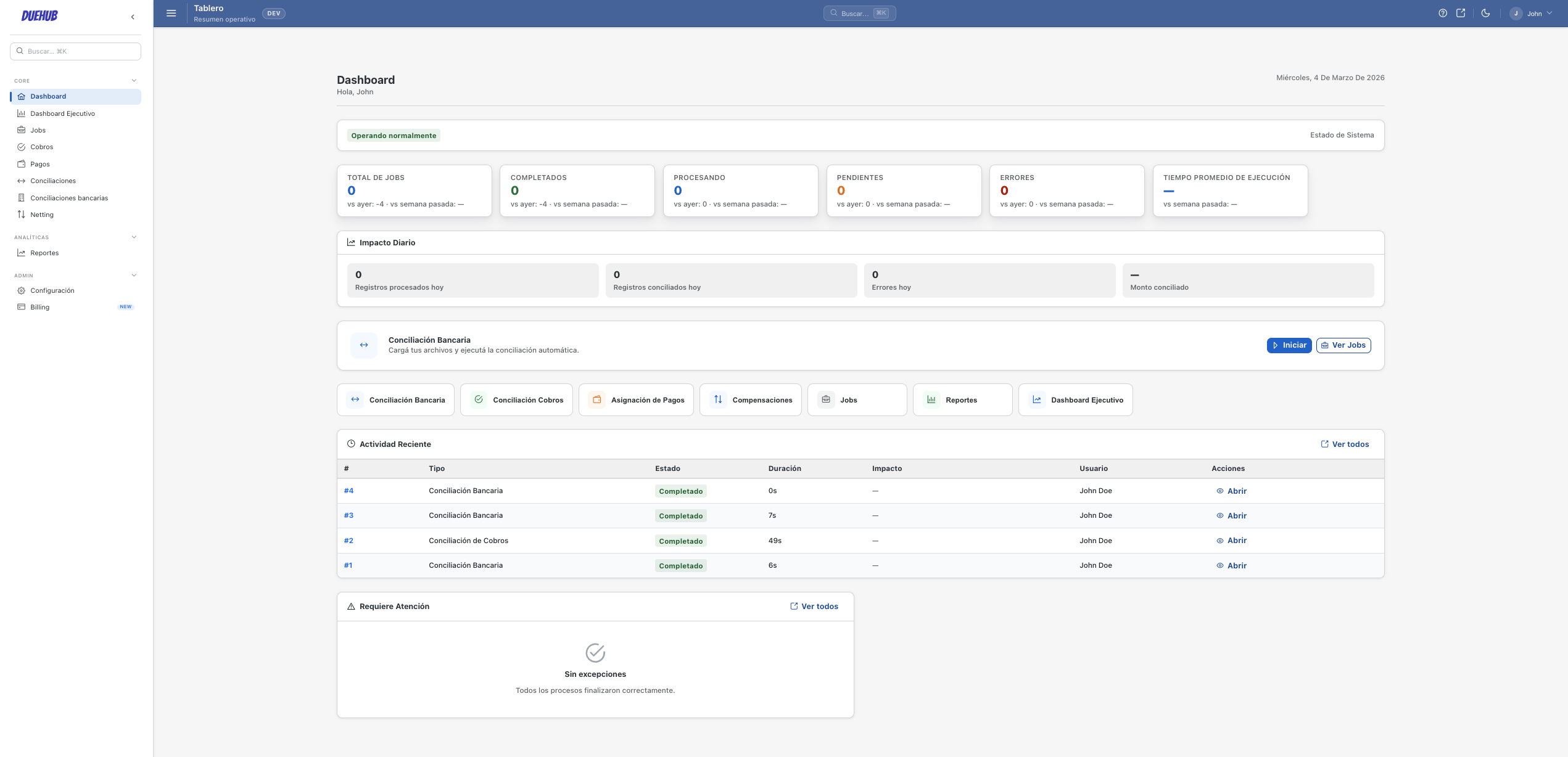
This is the recommended starting point for DueHub: organise the work between payments, invoices, and bank files, separate exceptions, and leave a clear result for review and export.
Why start with payments, invoices, and bank files
Many teams already feel this pain: bank on one side, ERP on another, and open invoices somewhere else. DueHub centralises that work with mapping rules, configurable tolerances, and a review workflow that records every result. Matching and cash application live inside this front.
How reconciliation works in DueHub
01
Source upload
Import bank statements, PSP reports, and ERP files. DueHub normalises and prepares the data for comparison.
02
Reconciliation rules
Configure comparison rules by reference, amount, date, or other fields. Apply tolerances for minor differences.
03
Difference detection
The system identifies reconciled items, partial differences, and records without a counterpart. Everything is visible for review.
04
Review & close
Review exceptions, document decisions, and export reconciled results with full traceability.
Key capabilities
Multi-source reconciliation
Compare data from up to N different sources in a single reconciliation run.
Flexible mapping rules
Map fields across sources with aliases, transformations, and configurable normalisation rules.
Field-level tolerances
Set tolerances by amount, percentage, or date difference for each source pair.
Difference tracking
Every detected difference is logged with its type, magnitude, and resolution status.
Review workflow
Exceptions go through a review flow with approval, reclassification, or escalation.
Run history
Every execution is documented with parameters, results, and team actions.
Common use cases
AR against bank statement
Reconcile the accounts receivable ledger against bank movements to detect unapplied payments.
AR against PSP reports
Reconcile invoices against payment processor settlements to close pending items.
Inter-entity reconciliation
Compare books from different group entities to identify intercompany differences.
Transaction Reconciliation FAQ
What is the difference between matching and reconciliation in DueHub?
Matching (TM) associates transactions between two sources. Reconciliation (TR) compares balances and movements to detect differences and close periods.
Can I reconcile more than two sources at once?
Yes. DueHub allows comparing multiple sources in a single reconciliation run using mapping rules for each pair.
How are exchange rate differences handled?
Tolerances are configured per field and can include exchange rate differences as part of the mapping criteria.
Can I export reconciliation results?
Yes. Results are exported with detail on reconciled items, differences, and resolved exceptions.
Capability inside the main workflow
Matching for payments, invoices, and bank files
Use matching to find likely connections across payments, invoices, and bank movements without positioning DueHub as a br…
Later expansion
Intercompany netting
DueHub can expand into intercompany netting once the buyer already understands the value of the main workflow and the te…
Capability inside the main workflow
Cash application for open invoices
Use cash application inside the same commercial story: payments, invoices, and bank files. The goal is less manual revie…