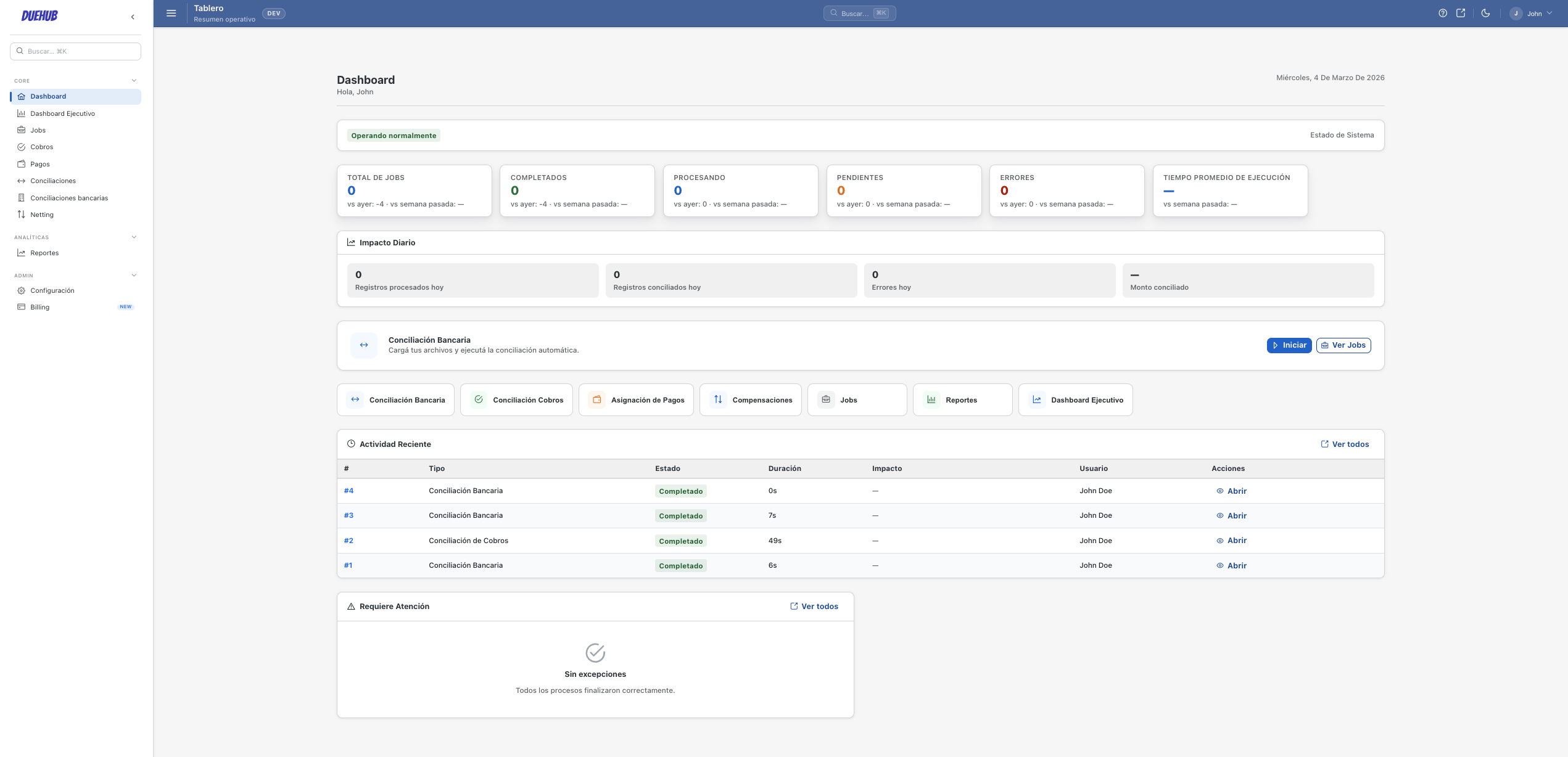
Capability inside the main workflow
Matching for payments, invoices, and bank files as the first step inside the main workflow
Use matching to find likely connections across payments, invoices, and bank movements without positioning DueHub as a broad suite from the first conversation.
Why start with matching
The easiest first case to understand and buy is often the match between payments, invoices, and bank files. DueHub uses matching as the entry capability: upload both sources, apply configurable rules and tolerances, and leave exceptions ready for review.
How matching works in DueHub
01
File upload
Upload ERP, bank, or PSP exports in standard formats. DueHub normalises columns and applies your mapping configuration.
02
Matching rules
Configure matching rules by amount, reference, date, or other fields. Set tolerances and priorities for many-to-many matching.
03
Exception review
Review unmatched items or those with differences outside tolerance. Approve, reclassify, or escalate exceptions in the same workflow.
04
Results & export
Export matching results with full traceability. Every item has its status, match, and review history.
Key capabilities
Many-to-many matching
Match N payments against M invoices in a single run with grouping and split rules.
Configurable tolerances
Set tolerances by amount, percentage, or date range to absorb minor differences automatically.
Flexible field mapping
Map columns from different sources without modifying the original files. Supports aliases, transformations, and composite fields.
Exception-driven review
Your team only reviews items the system could not match automatically, with full context for each case.
Run traceability
Every execution is logged with parameters, results, and team decisions.
Export-ready results
Download results in ERP-compatible formats for posting or downstream processes.
Common use cases
Payments against invoices
Match bank or PSP payments to open ERP invoices to close pending items.
Bank statement against ledger
Reconcile bank movements against accounting records to detect differences and missing items.
PSP settlements against sales
Match settlement reports from Stripe, Adyen, Mercado Pago, or other PSPs against ERP sales records.
Transaction Matching FAQ
What file formats does the matching module support?
DueHub works with CSV, Excel, and other standard tabular exports from ERPs, banks, and PSPs.
How does many-to-many matching work?
The system evaluates all possible combinations between two sets of items using configured rules, grouping or splitting records as defined in the mapping.
Can I set different tolerances by transaction type?
Yes. Tolerances are configured per matching rule and can vary by field, amount, or operation type.
What happens with unmatched items?
Exceptions remain visible for manual review in the same workflow. The team can approve, reclassify, or escalate each case.
Primary entry point
Payments, invoices, and bank matching
This is the recommended starting point for DueHub: organise the work between payments, invoices, and bank files, separat…
Later expansion
Intercompany netting
DueHub can expand into intercompany netting once the buyer already understands the value of the main workflow and the te…
Capability inside the main workflow
Cash application for open invoices
Use cash application inside the same commercial story: payments, invoices, and bank files. The goal is less manual revie…