Capability inside the main workflow
Cash application for open invoices as part of the same operating front
Use cash application inside the same commercial story: payments, invoices, and bank files. The goal is less manual review, not a separate cold-outreach category.
Why add cash application inside the main workflow
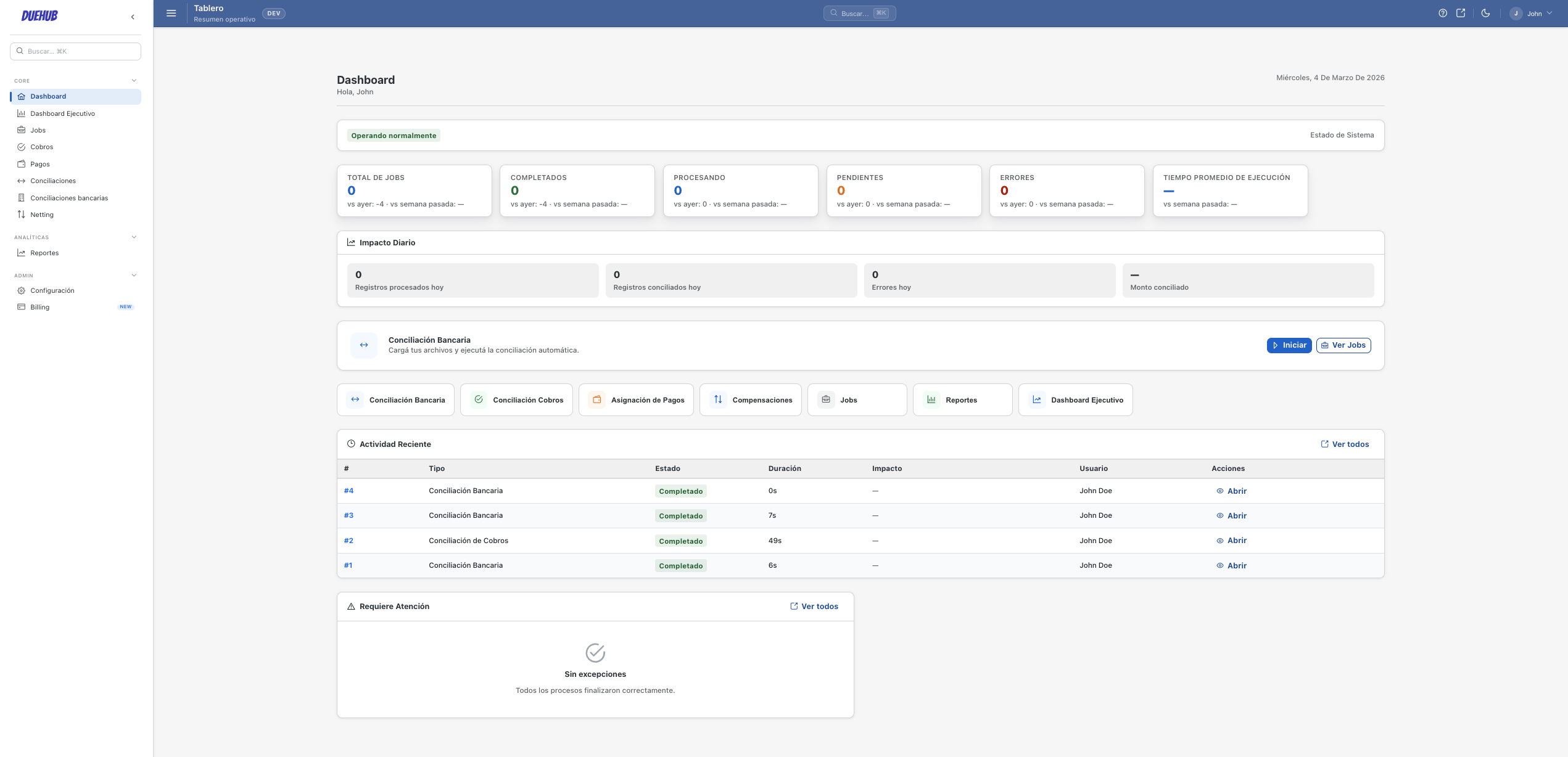
Manual cash application against open invoices takes AR team time, introduces errors, and delays close. DueHub uses it as a capability inside the main workflow: match bank and PSP payments to open invoices and leave only exceptions for the team.
How cash allocation works in DueHub
01
Upload payments & invoices
Import the payment file (bank or PSP) and the open invoice ledger from your ERP.
02
Allocation rules
Configure matching rules by reference, amount, customer, or other fields. Set tolerances for minor differences.
03
Automatic matching
DueHub allocates payments to invoices based on configured rules. Unmatched items are flagged for review.
04
Review & export
Review exceptions, confirm allocations, and export results for posting in your ERP.
Key capabilities
Automatic allocation
Match payments to invoices using configurable rules without manual intervention for clear cases.
Amount tolerances
Absorb minor differences from discounts, fees, or rounding within defined tolerances.
Multi-PSP support
Work with payments from Stripe, Adyen, Mercado Pago, and other PSPs in addition to traditional banks.
Exception review
Your team only reviews items the system could not allocate automatically.
Allocation traceability
Every allocated payment is logged with the rule used, the associated invoice, and the absorbed difference.
ERP-ready export
Generate allocation files ready to import into your accounting system or ERP.
Common use cases
Bank payments against invoices
Allocate wire transfers and bank deposits to open invoices in the accounts receivable ledger.
PSP settlements against sales
Match payment processor settlements to sales records to close pending items.
Partial and on-account payments
Handle payments that do not fully cover an invoice or that apply to multiple invoices.
Cash Allocation FAQ
What happens if a payment does not match any invoice?
The item is flagged as an exception for manual review. The team can search for the correct invoice or reclassify the payment.
How are partial payments handled?
Matching rules allow partial allocations. The remaining balance is visible for the next run or manual review.
Can I use payments from different PSPs in the same run?
Yes. DueHub normalises files from different PSPs to process them in a single execution.
Does the system generate journal entries for the allocation?
DueHub generates outputs with the detail needed for your ERP to record the allocation. The format is adjusted to client needs.
Capability inside the main workflow
Matching for payments, invoices, and bank files
Use matching to find likely connections across payments, invoices, and bank movements without positioning DueHub as a br…
Primary entry point
Payments, invoices, and bank matching
This is the recommended starting point for DueHub: organise the work between payments, invoices, and bank files, separat…
Later expansion
Intercompany netting
DueHub can expand into intercompany netting once the buyer already understands the value of the main workflow and the te…