Guide
How to automate cash allocation with ERP, bank, and PSP files
A step-by-step guide for AR teams that want to stop allocating payments manually.
The problem: manual cash allocation
Many AR teams receive bank payments or PSP settlements and manually allocate them to open invoices in the ERP. This process takes hours, introduces assignment errors, and delays closing.
What you need to automate
To move from manual to automated allocation, you need a payment file, an open invoice file, and a set of matching rules.
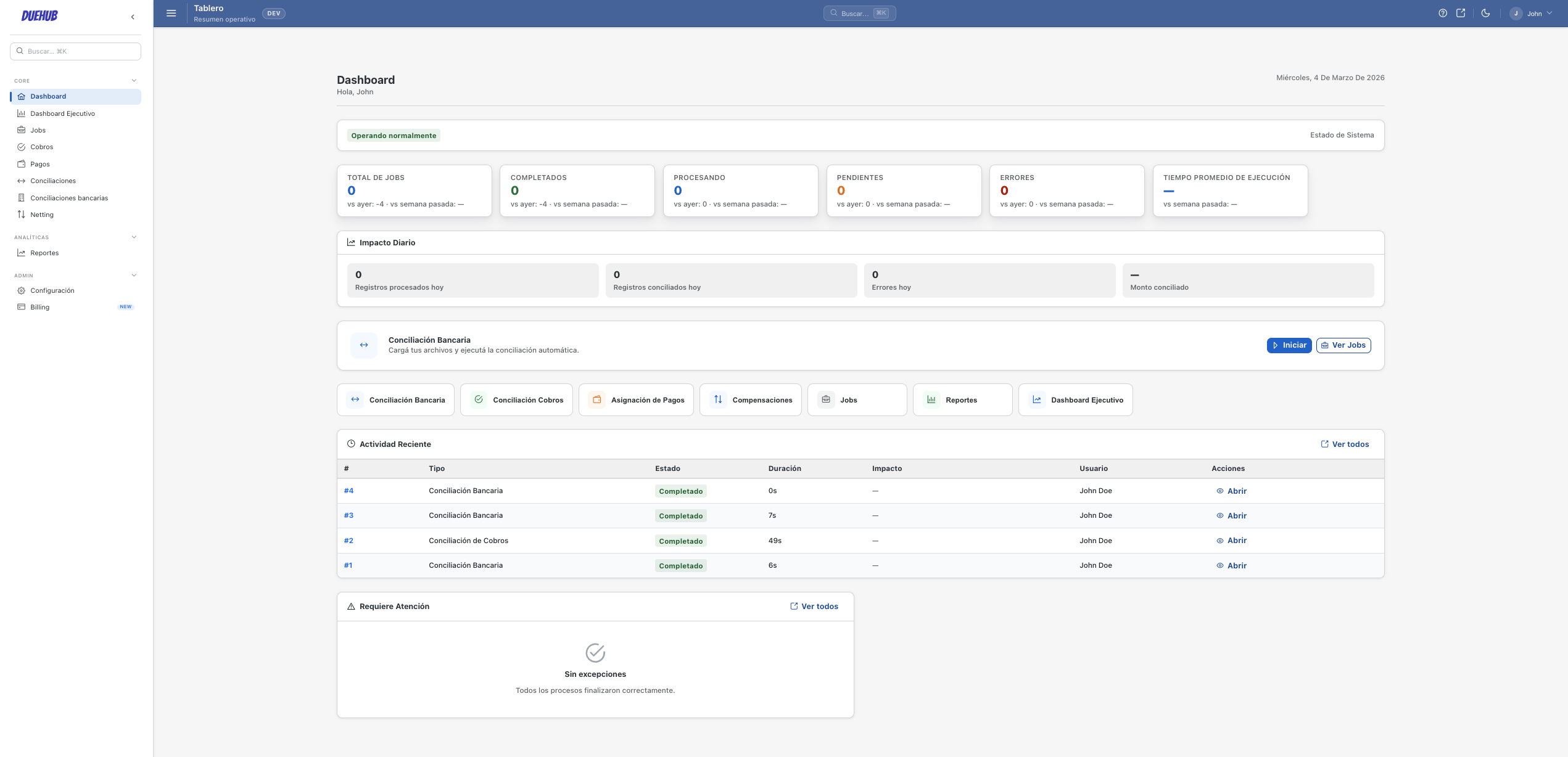
How it works in DueHub
Upload both files, configure matching rules, and run. DueHub automatically allocates payments to invoices where rules match, and flags exceptions for review.
Handling exceptions
Unmatched payments are flagged for manual review. Partial payments are handled with partial allocation rules.
Expected result
An allocation file ready to import into your ERP with full traceability for each allocated payment.